Funny AI Prompts That Generate Viral Images (2026 Guide)
By Salem | AI Artist & Digital Content Strategist
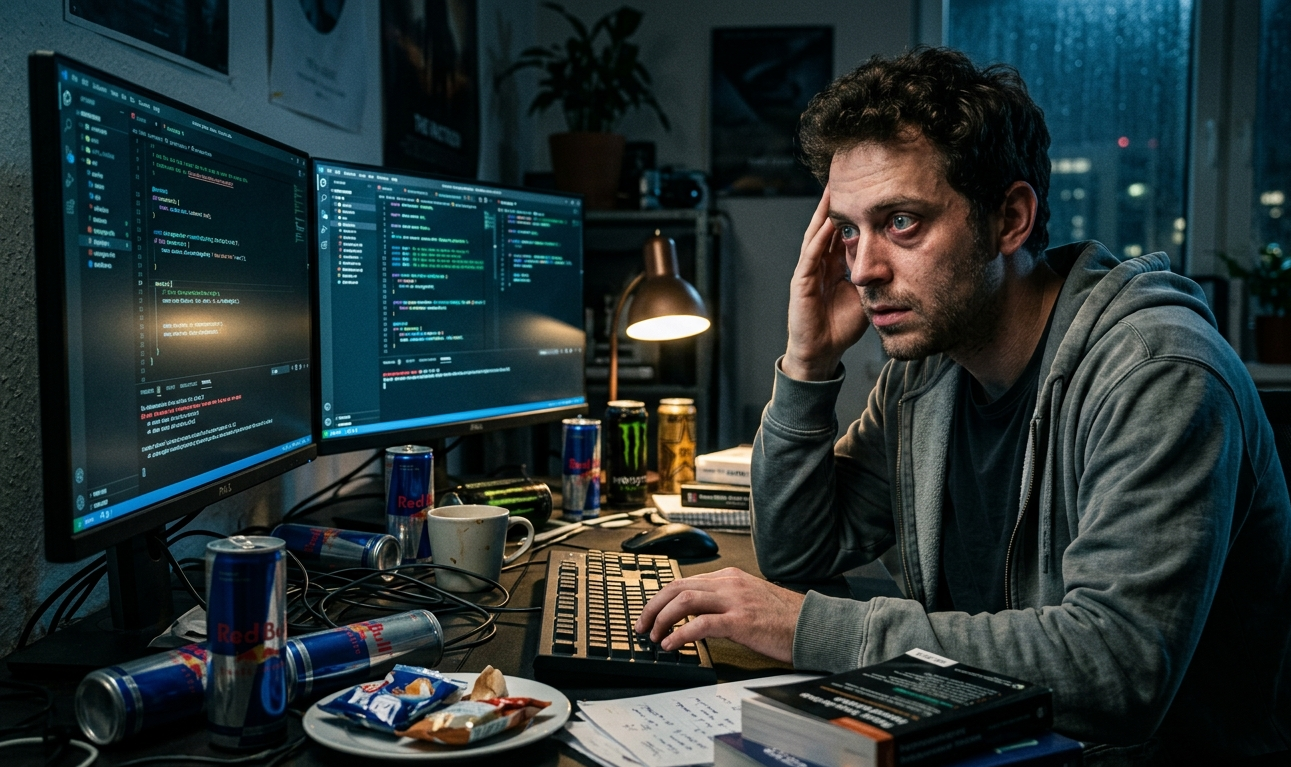
You've seen them. A programmer sobbing at 3AM under the glow of error messages. A cat holding a boardroom meeting with a blank PowerPoint behind it. A guy checking his bank balance after a weekend of online shopping, face frozen in existential horror. These images get thousands of shares because whoever made them understood one thing: the prompt is everything.
This guide breaks down exactly how to write AI prompts that produce funny, shareable images, including 25 prompts you can use right now, a formula that actually works, and the advanced techniques most creators skip.
Why Some AI Images Go Viral (And Most Don't)
Scroll through any meme page and you'll notice a pattern. The images that get reshared aren't just "funny" — they're specific. They capture a feeling so precisely that people tag their friends saying "this is literally you."
Three elements drive this:
- Relatability - The situation is universal but personal enough to hit hard.
- Exaggeration - The emotional reaction is dialed up 10x.
- Visual contrast - Mundane scenes treated with epic seriousness.
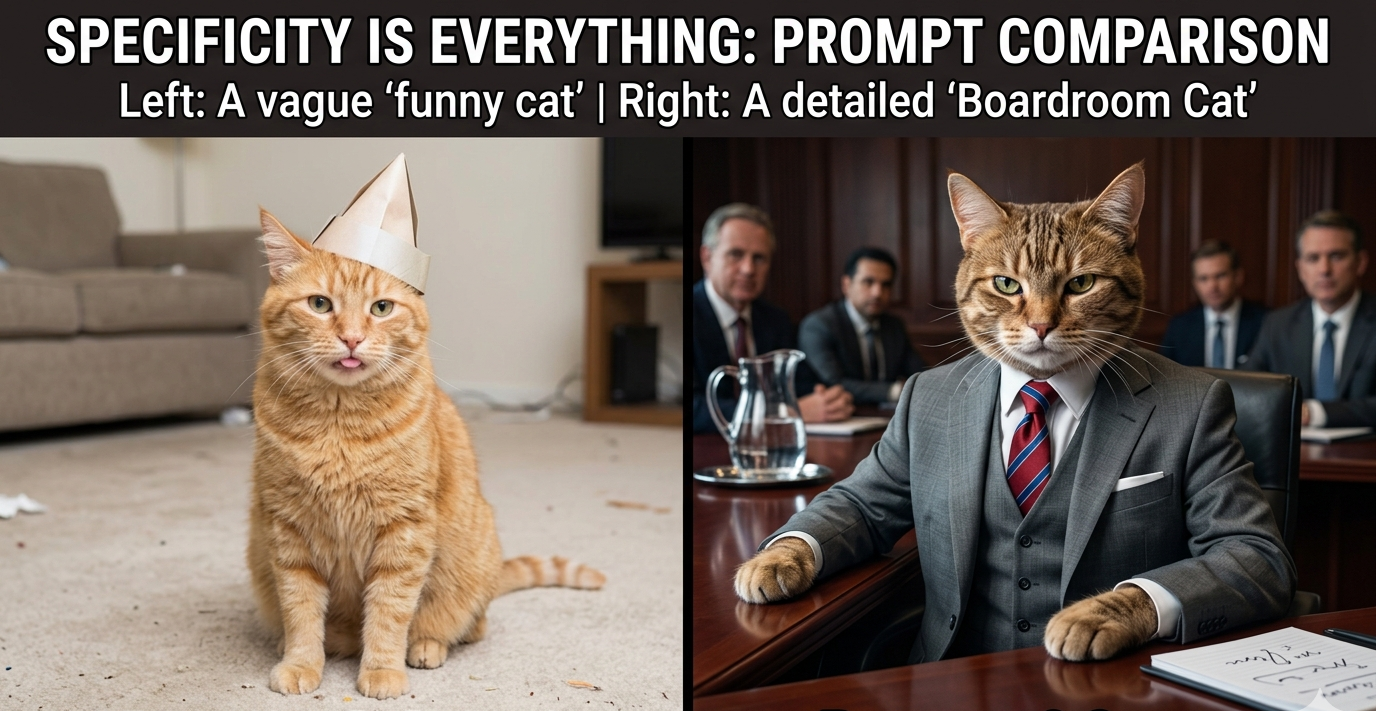
The mistake most people make is being vague. "Funny cat" generates a forgettable stock photo. "Cat silently judging humans from the corner of a corporate boardroom, condescending expression, photorealistic lighting" generates something people screenshot and send to their group chat.
The Viral Prompt Formula
Every strong AI image prompt has five components:
[Subject] + [Specific Situation] + [Emotional State] + [Visual Style] + [Composition Detail]
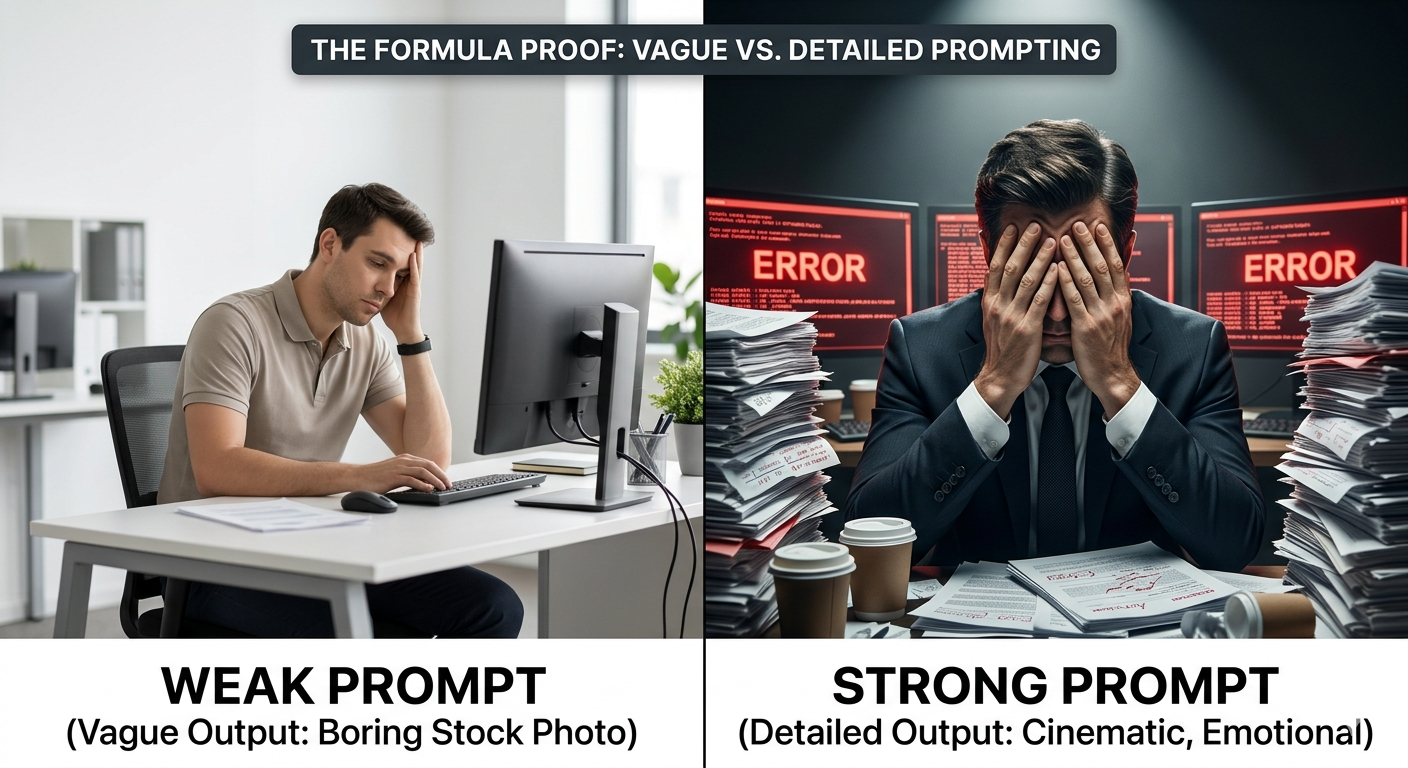
Here's the same idea done weak vs. strong:
❌ "Person stressed at work"
✅ "Office worker in a full suit, face buried in hands, surrounded by stacks of paper and three monitors showing error screens, dramatic overhead lighting, cinematic close-up, ultra-realistic"
The second prompt gives the AI everything it needs: who, what's happening, how they feel, what it should look like, and how to frame it. The result is a character in a scene — not a stock photo.
25 Funny AI Prompts That Actually Work
These are ready to use. For the best results, paste them directly and adjust the style keywords to match your preferred AI tool's strengths.
Work & Office Life
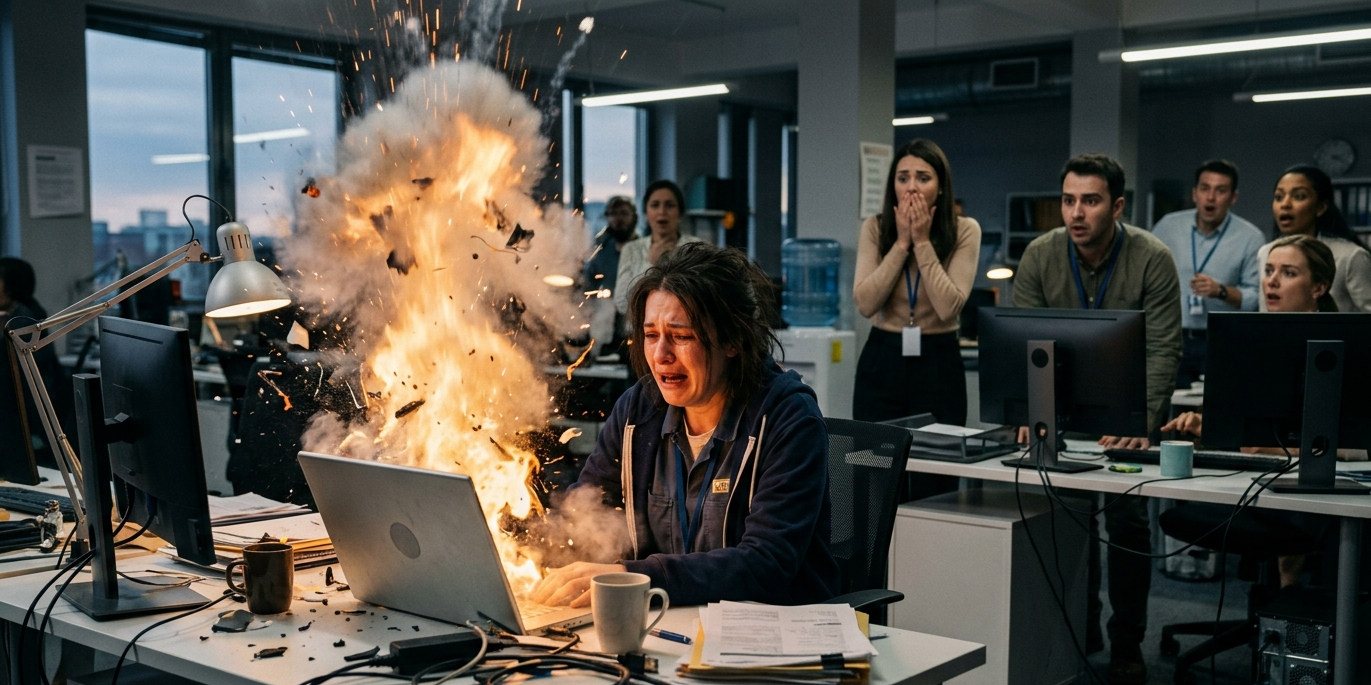
Overworked employee crying while their laptop dramatically explodes in slow motion, coworkers watching in shock, cinematic lighting, ultra-realistic
Office worker counting ceiling tiles at 4:58PM, looking like a soldier counting down to rescue, tense expression, cinematic close-up

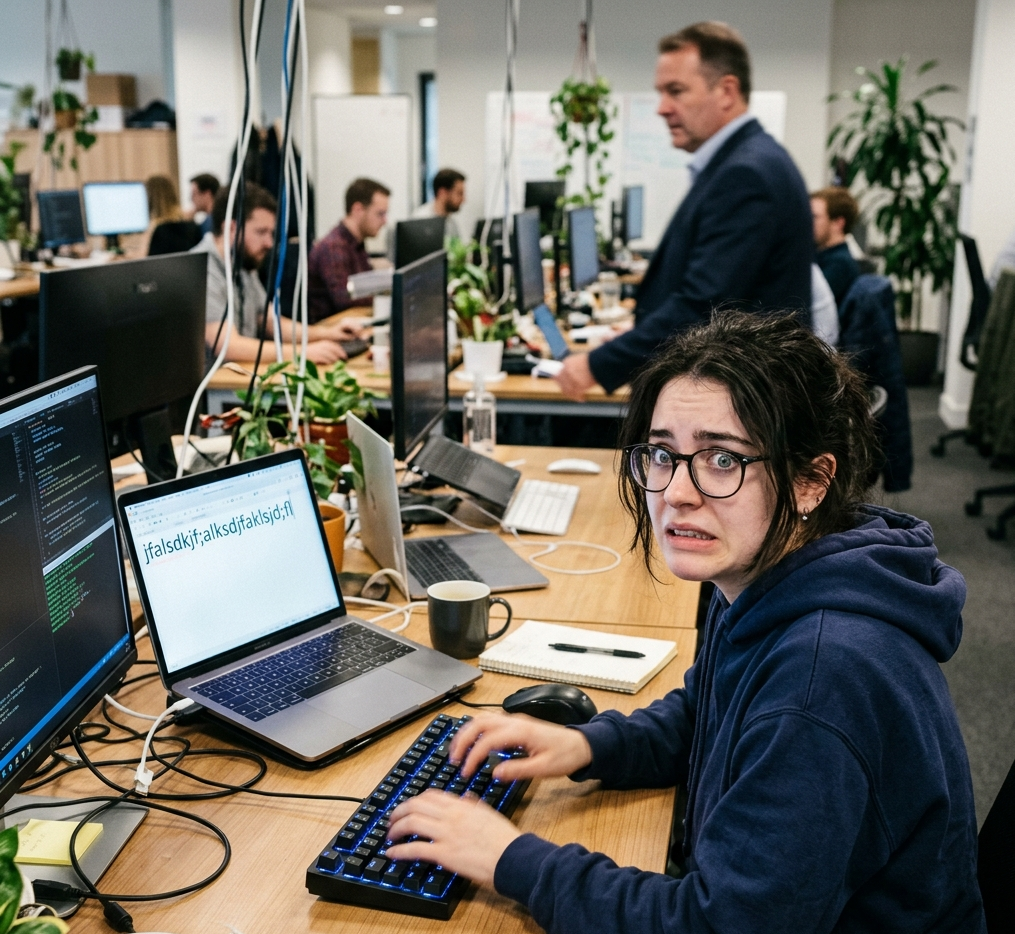
Person acting extremely busy typing random keys the moment their boss walks past, split-second panic in their eyes, candid photo style
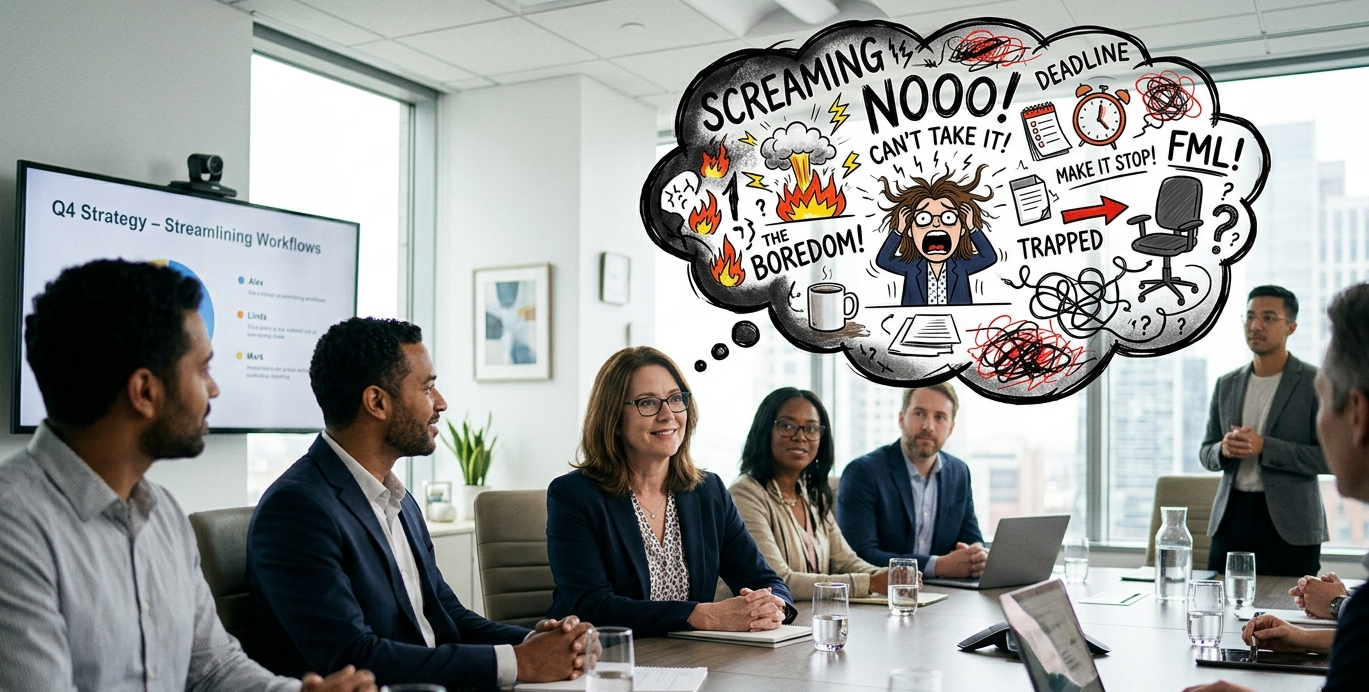
Corporate employee nodding in a meeting while internally screaming, calm exterior vs. chaotic thought-bubble overlay, editorial style
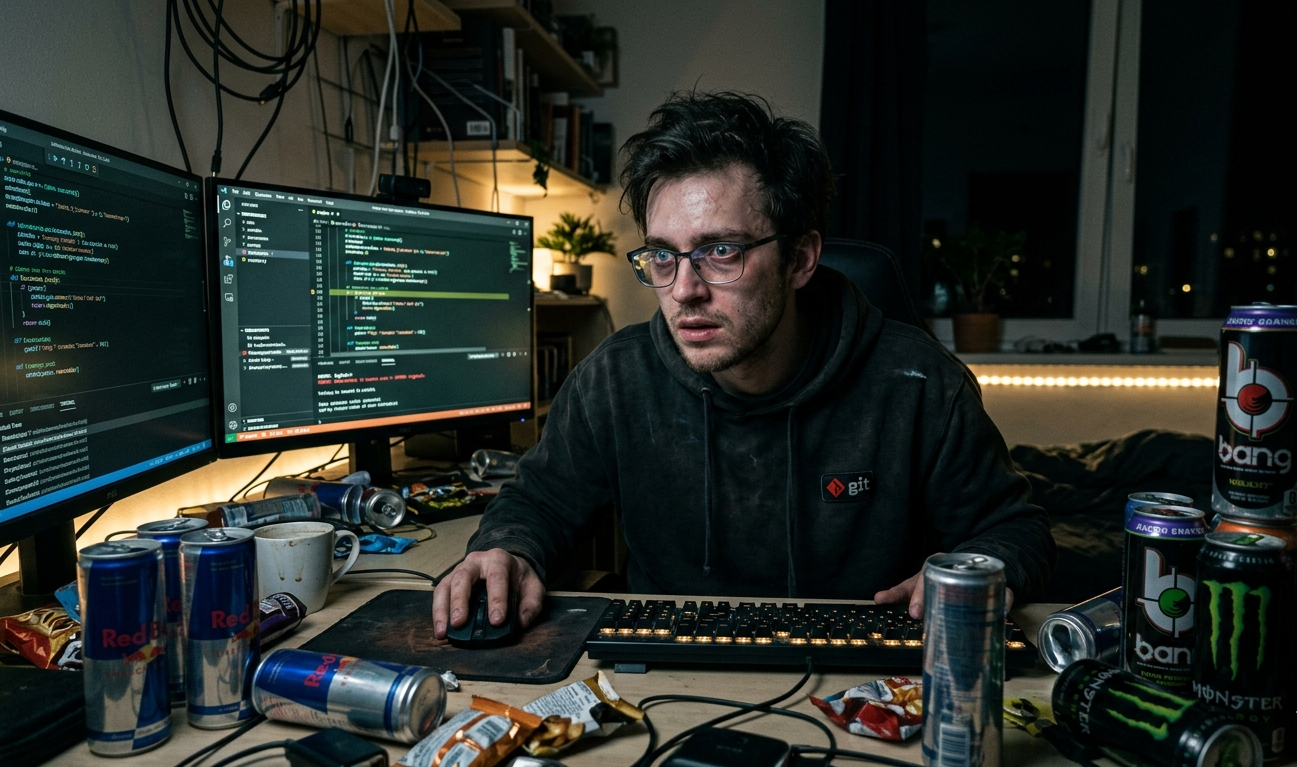
Programmer debugging code at 3AM surrounded by empty energy drink cans, dark moody lighting, eyes wide with determination and despair
Money & Shopping
Man checking bank balance after a weekend of online shopping, face frozen mid-scroll, pale, dramatic lighting, photorealistic
Person placing online order confidently, then immediately regretting it, showing both emotions in a split-panel, comic style
Kid acting like a billionaire CEO reviewing toy budget on a tiny laptop, luxury penthouse background, ultra-realistic
Pets & Animals
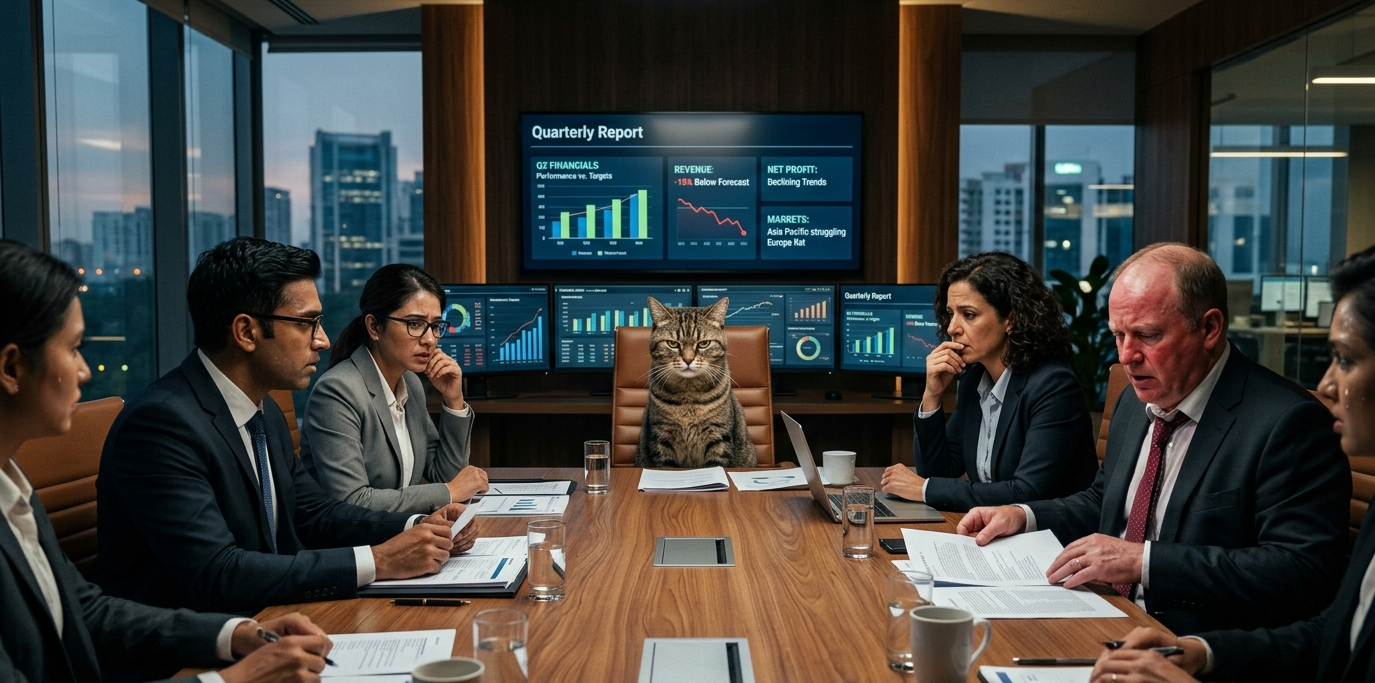
Cat sitting at the head of a boardroom table, judging the quarterly report, other executives looking nervous, photorealistic, cinematic lighting
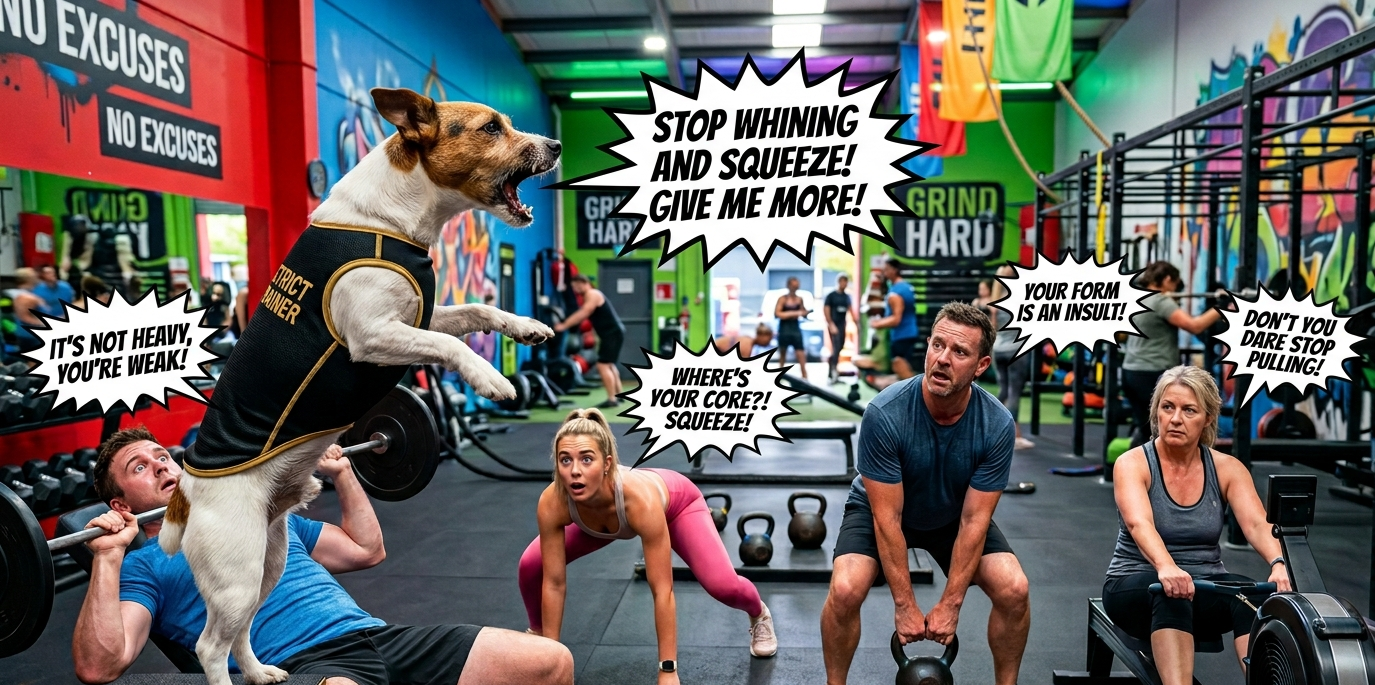
Dog acting as a strict gym trainer yelling motivational commands at confused humans, action shot, vivid colors
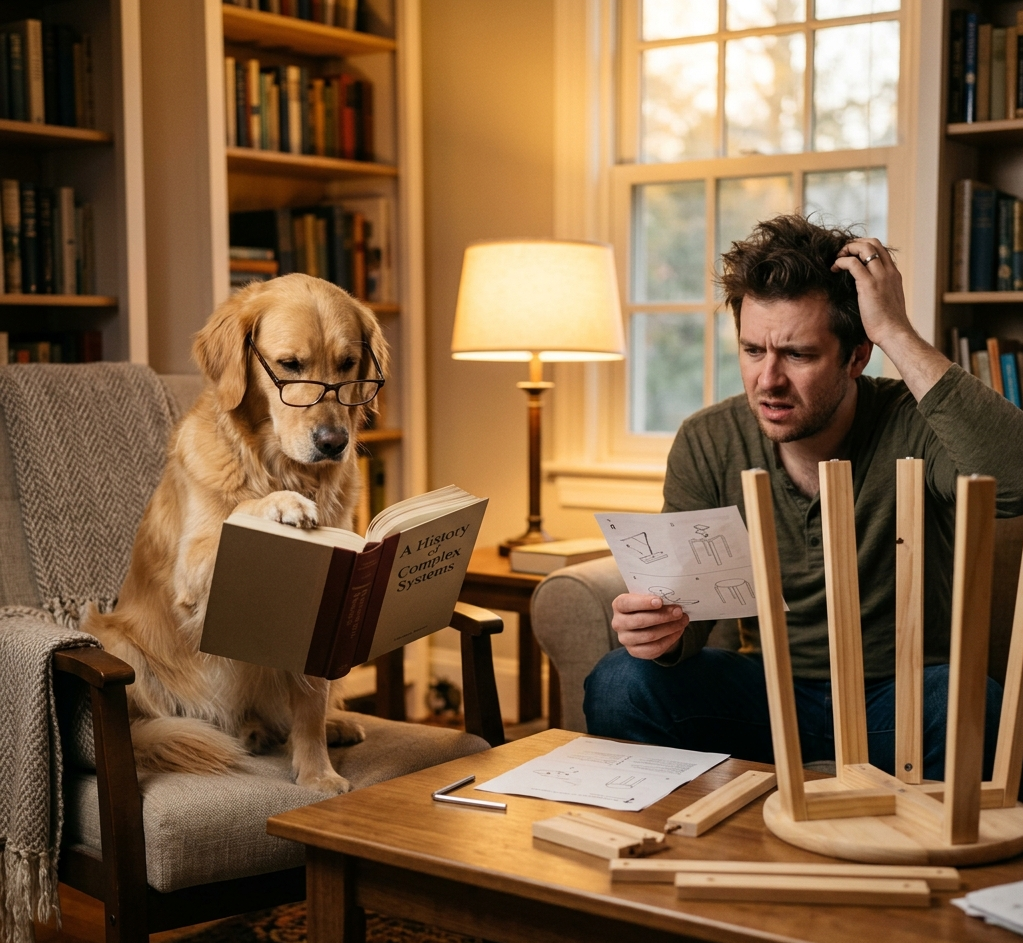
Dog clearly smarter than its owner, reading a book while owner struggles with simple instructions, warm humorous lighting
Cat silently judging its owner's life choices from across the room, unimpressed expression, minimalist background, editorial style
Students & Learning
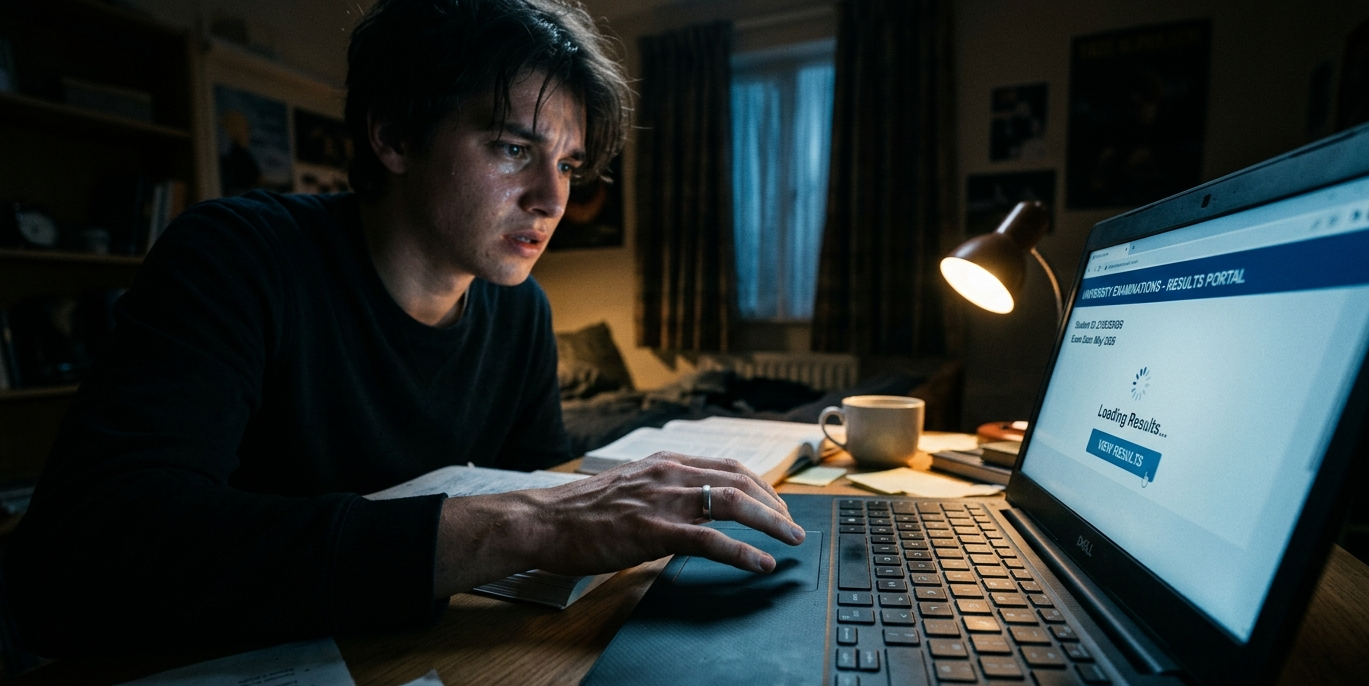
Student slowly, painfully opening their exam results page, suspenseful lighting, dramatic close-up on shaking hands, cinematic
Student realizing the exam is today when they thought it was tomorrow, pure shock frozen on face, anime style
Person vigorously nodding as if they understand something they absolutely do not, confident smile hiding total confusion, portrait style
Tech & Everyday Struggle
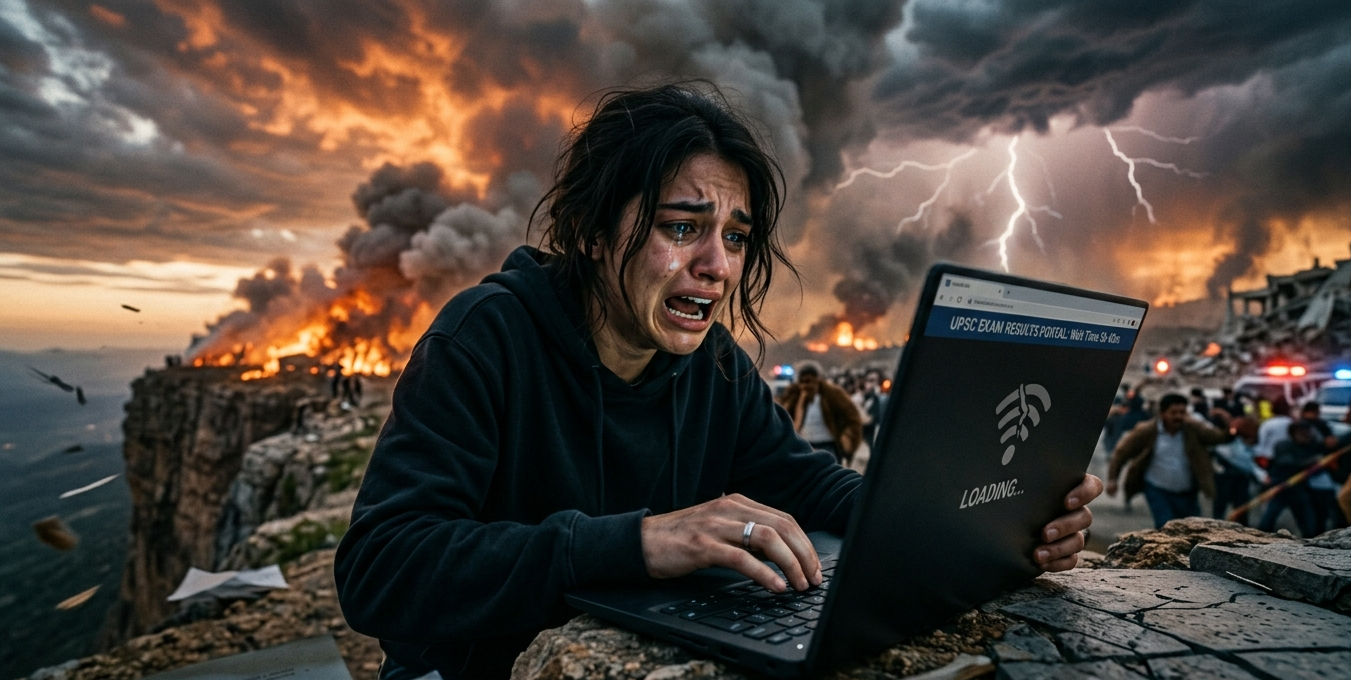
Person reacting to slow internet during an important moment like it's a natural disaster, survival-mode expression, dramatic sky background
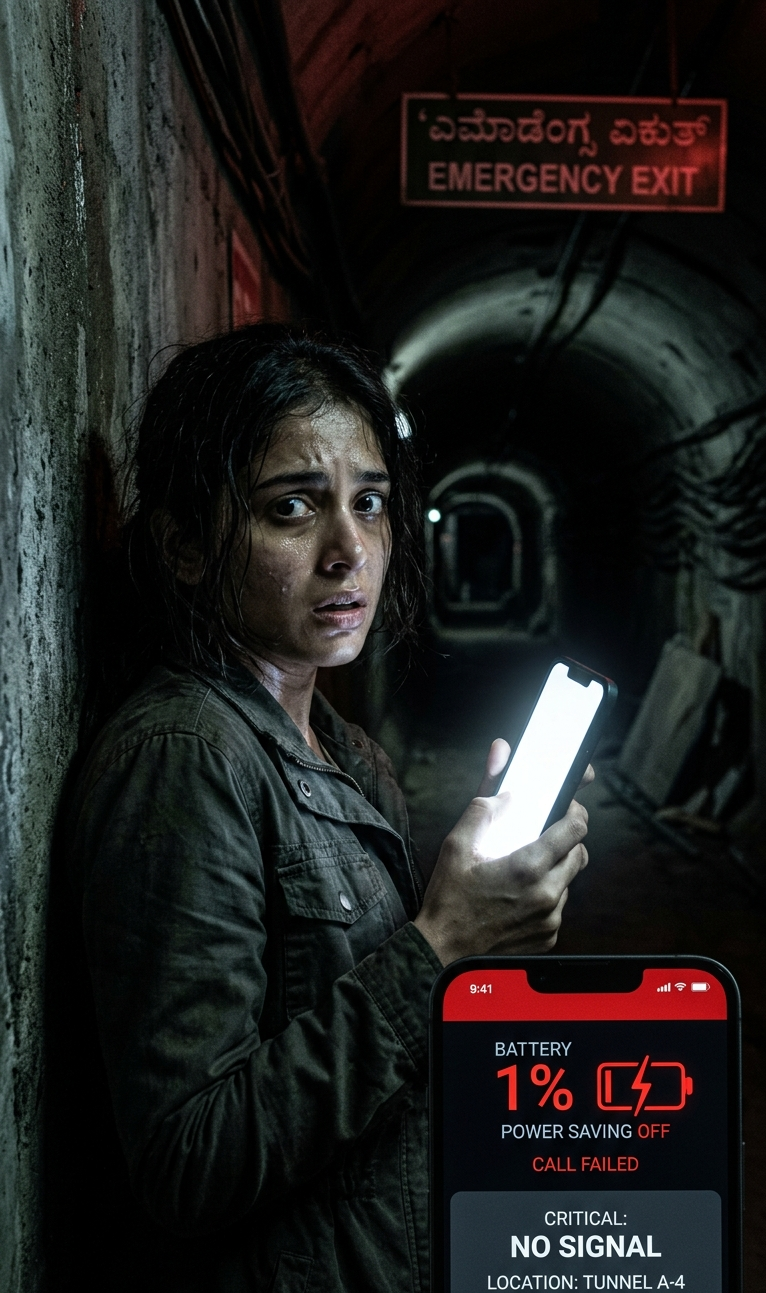
Phone battery hitting 1% at the worst possible moment, person treating it like a survival horror situation, tense cinematic framing
AI robot completely baffled by a simple human request, gears visibly overheating, soft comedic lighting
Man vs. Monday, depicted as an actual cinematic battle scene, epic wide shot, smoke and debris
Relatable Human Moments
Person lying peacefully, ignoring a growing pile of responsibilities just outside the frame, zen expression, warm sunlight, ironic calm
Late-night overthinking scene, person staring at ceiling at 2AM while a storm of random anxious thoughts swirls above their head, moody blue lighting
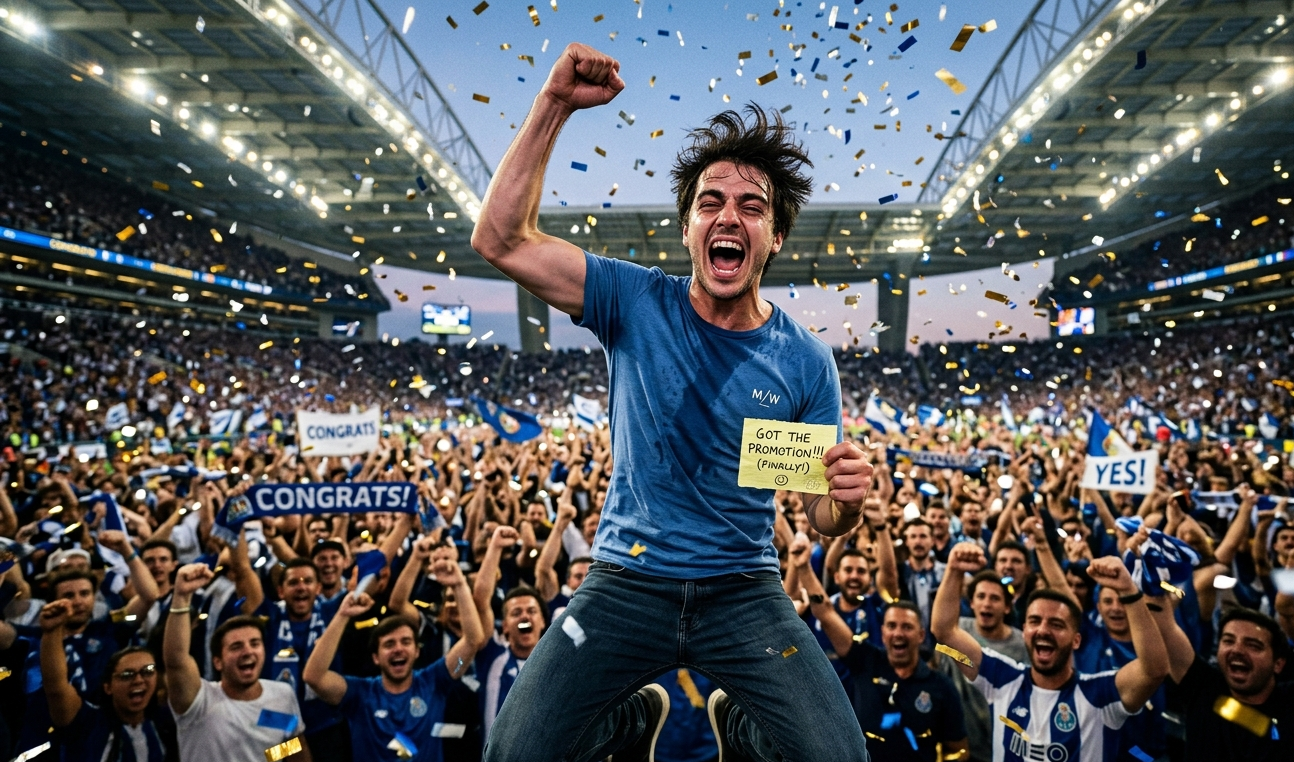
Man celebrating a tiny personal win like he just won the World Cup, confetti, stadium crowd, pure unbridled joy
Gym beginner treating 5kg dumbbells like the heaviest weights in existence, heroic expression, action-movie framing
Office worker turning into a zombie by 9AM Monday, slow transformation, coworkers unphased, deadpan humor, cinematic
Friends losing it over an inside joke while one person has absolutely no idea what's happening, warm candid lighting
How to Sharpen Any Prompt
Most mediocre prompts fail at the specificity level. Here's how to fix that fast:
- "Funny cat" → "cat silently judging a human's questionable lunch choice, sitting on a kitchen counter, disapproving side-eye, photorealistic"
- "Working person" → "remote worker on hour six of a video call, dead eyes, coffee mug refill number four visible, laptop propped on books, candid photo realism"
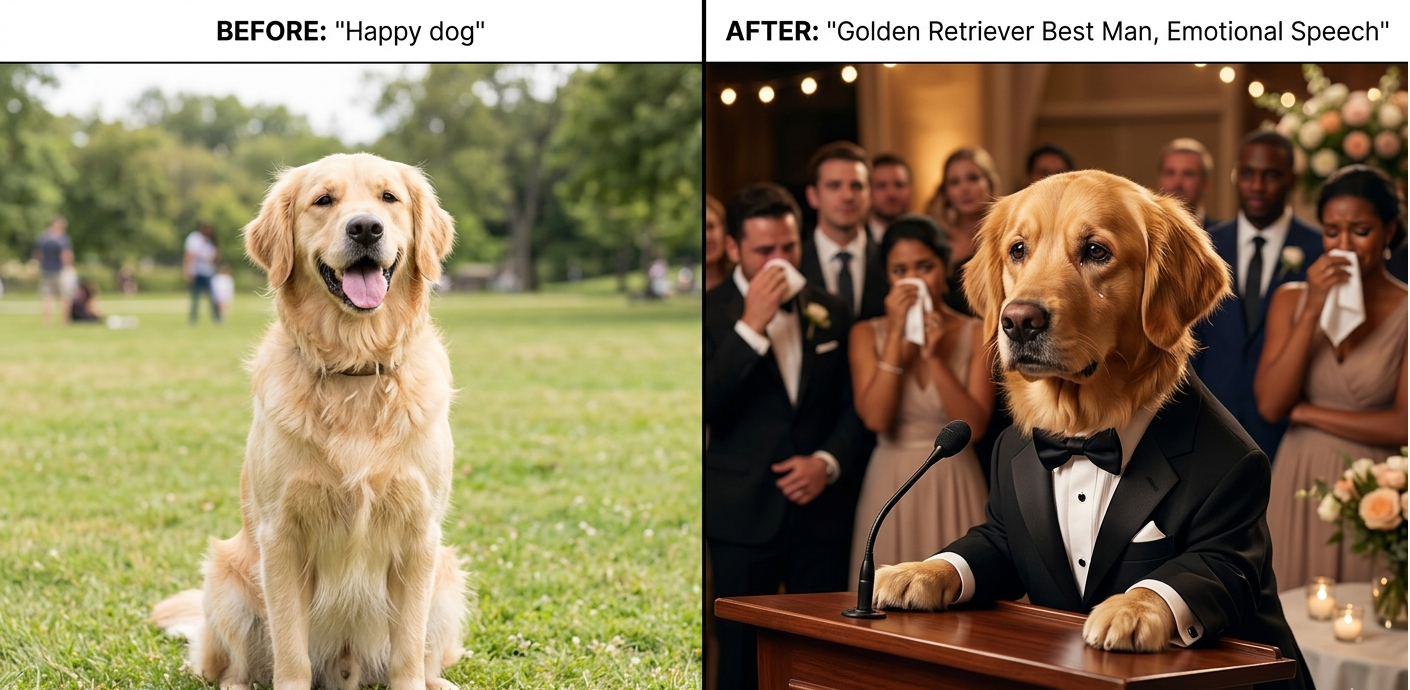
- "Happy dog" → "golden retriever acting as wedding best man giving a tear-jerking speech, tuxedo, emotional crowd, cinematic close-up"
The pattern: replace the category with a specific scene, add an emotion, add a visual style. Three changes, completely different image.
Advanced Prompt Techniques
1. Lock in Your Visual Style Early
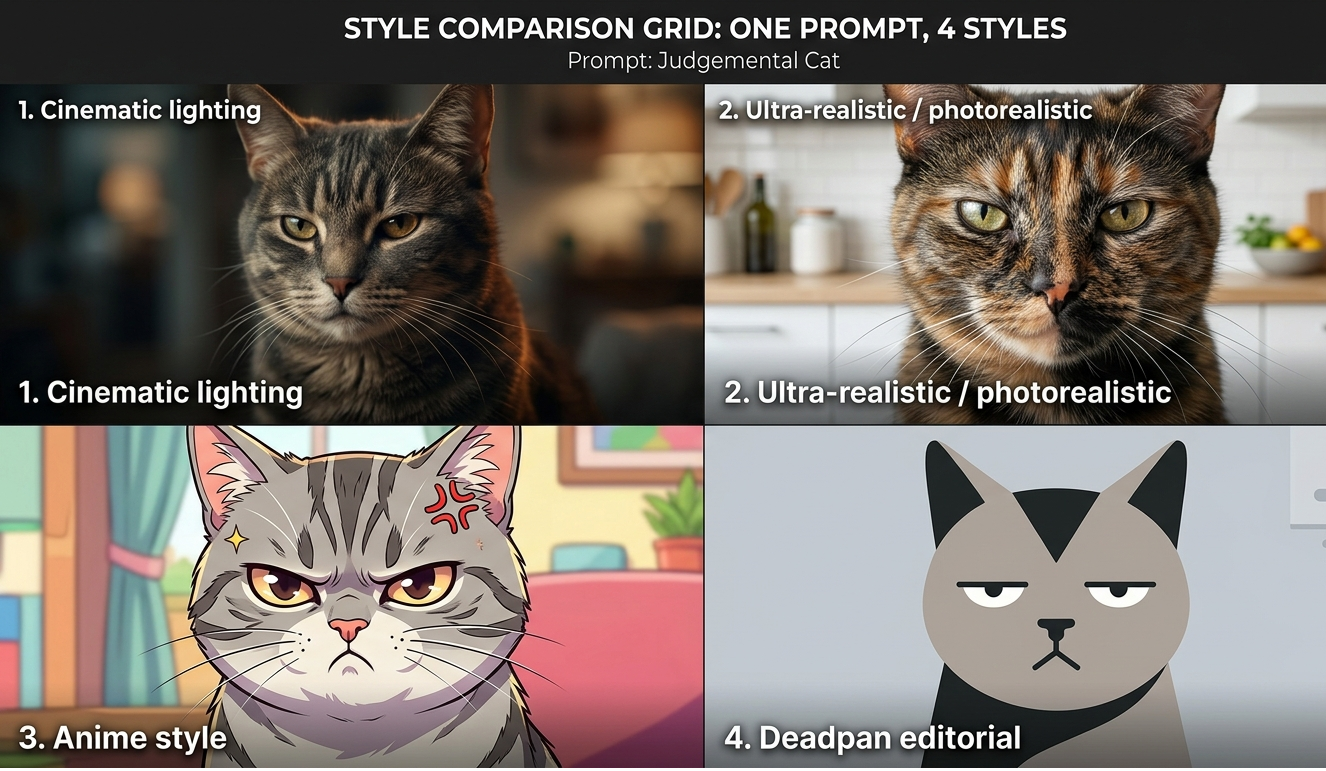
Style keywords at the end of your prompt act as filters. They change mood, color grading, and texture.
- Cinematic lighting - adds drama and weight to mundane situations
- Ultra-realistic / photorealistic - makes absurd scenarios feel disturbingly real
- Anime style - exaggerated expressions, perfect for shock and reaction content
- Deadpan editorial - dry humor and minimalist backgrounds
2. Use Emotional Contrast for Comedy
The funniest images often pair epic visual treatment with a totally mundane subject. Think: survival horror framing for a dying phone battery, war movie cinematography for a Monday morning, or wedding photo lighting for a dog eating homework.
3. Use Negative Prompts to Clean Up Output
Most AI image tools let you specify what you don't want. Use this. Common ones to include:
- blurry, low quality, low resolution
- extra limbs, deformed hands, bad anatomy
- text, watermark, logo
- oversaturated, unrealistic skin tones
4. Control the Shot Like a Photographer
Composition keywords dramatically change how an image feels. Match them to the joke:
- Close-up / extreme close-up - maximizes emotional expression
- Wide angle - shows the full chaos
- Over-the-shoulder - puts the viewer in the scene
- Bird's-eye view - makes subjects look small and overwhelmed
5. Set the Right Output Format
Match your aspect ratio to where the image is going:
- 1:1 - Instagram feed, meme format
- 9:16 - TikTok, Instagram Reels, mobile wallpaper
- 16:9 - Twitter/X header, YouTube thumbnail
Adding "4K" or "ultra HD" at the end often nudges the model toward sharper texture and detail.
Troubleshooting Bad Outputs
- Image looks cluttered or confusing → You have too many ideas in one prompt.
- Faces look off or uncanny → Add realistic face details and a negative prompt.
- Image is technically fine but not funny → Revisit your emotional contrast.
- Style isn't matching what you expected → Be more explicit about the visual language.
Common Mistakes to Avoid
- Vague subjects - give the AI a character, a setting, and a feeling.
- Too many ideas in one prompt - one prompt, one moment.
- Skipping emotion - the face is what people respond to.
- Forgetting style keywords - without style direction, the output is rarely memorable.
About the Author
Salem is an AI artist and digital content strategist specializing in viral visual content. With hands-on experience across Midjourney, DALL-E, and Adobe Firefly, they help creators and brands build funny, shareable images that travel well on social platforms.
Explore More
Ready to Try It?
Pick any prompt from the list above, paste it in, and adjust one or two details to make it yours. The formula works — now it's just about finding the scenario that makes your audience say "this is literally me."