AI Funny Wallpapers: HD Prompts to Generate Your Own (2026)
By David | AI Artist & Digital Content Strategist
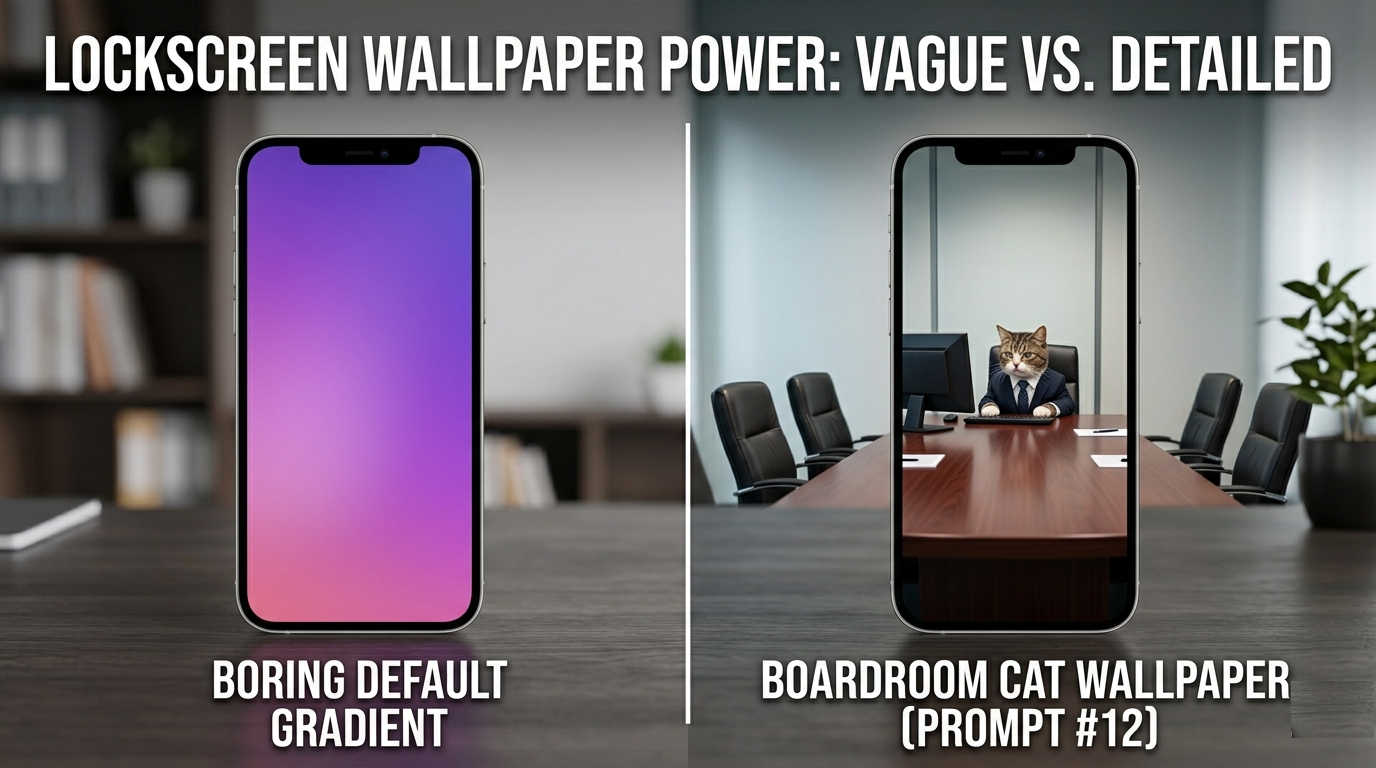
Your wallpaper is the first thing you see when you unlock your phone or sit down at your desk. So why is it still that default gradient from three years ago? AI image generators have made it genuinely easy to create wallpapers that are high-resolution, completely unique, and, if you write the prompt right, actually funny every time you glance at your screen.
This guide gives you 15 ready-to-use prompts, the exact formula for writing your own, and the technical settings to make sure the output is crisp enough to use as a real wallpaper.
Why Funny Wallpapers Work So Well
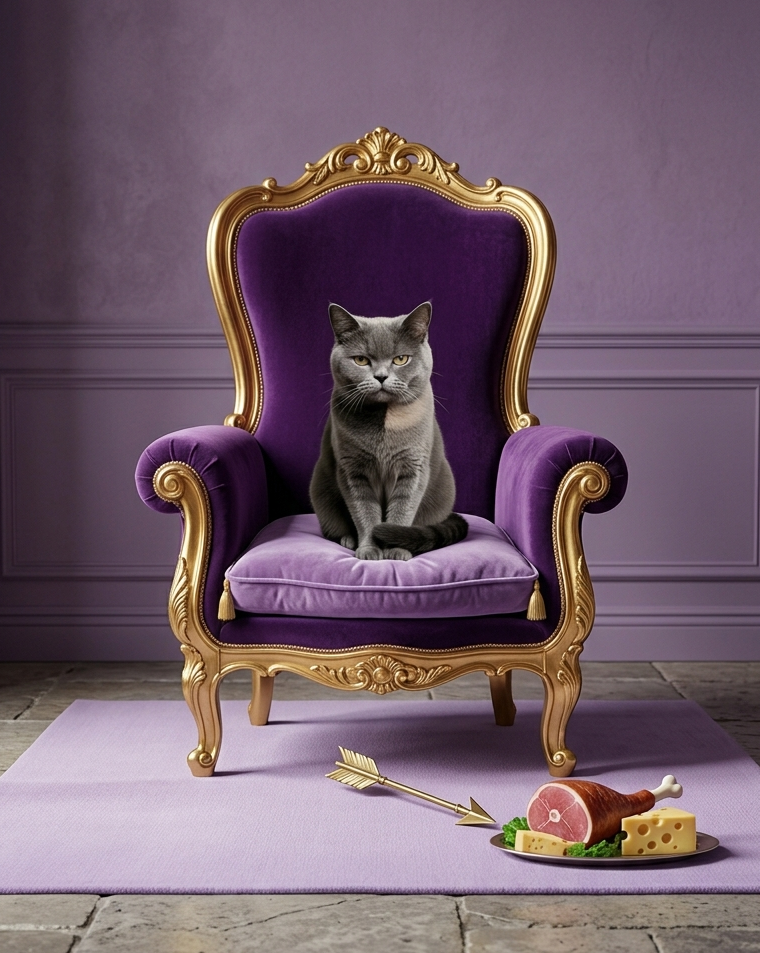
A funny wallpaper does something a beautiful landscape can't: it gives you a micro-moment of personality every time you pick up your phone. People notice it. They comment on it. And because AI-generated wallpapers are completely custom, nobody else has the same one.
The best funny wallpapers also age well. Unlike a trending meme, a well-composed image of a cat holding a board meeting or a robot quietly having an existential crisis stays funny on the tenth viewing because the humor is baked into the visual, not a caption you've already memorized.
What Separates a Great Wallpaper Prompt from a Bad One
Wallpapers have different requirements than regular AI images. Because the image fills your entire screen, certain things matter more:
- Simple composition — One clear subject, uncluttered background.
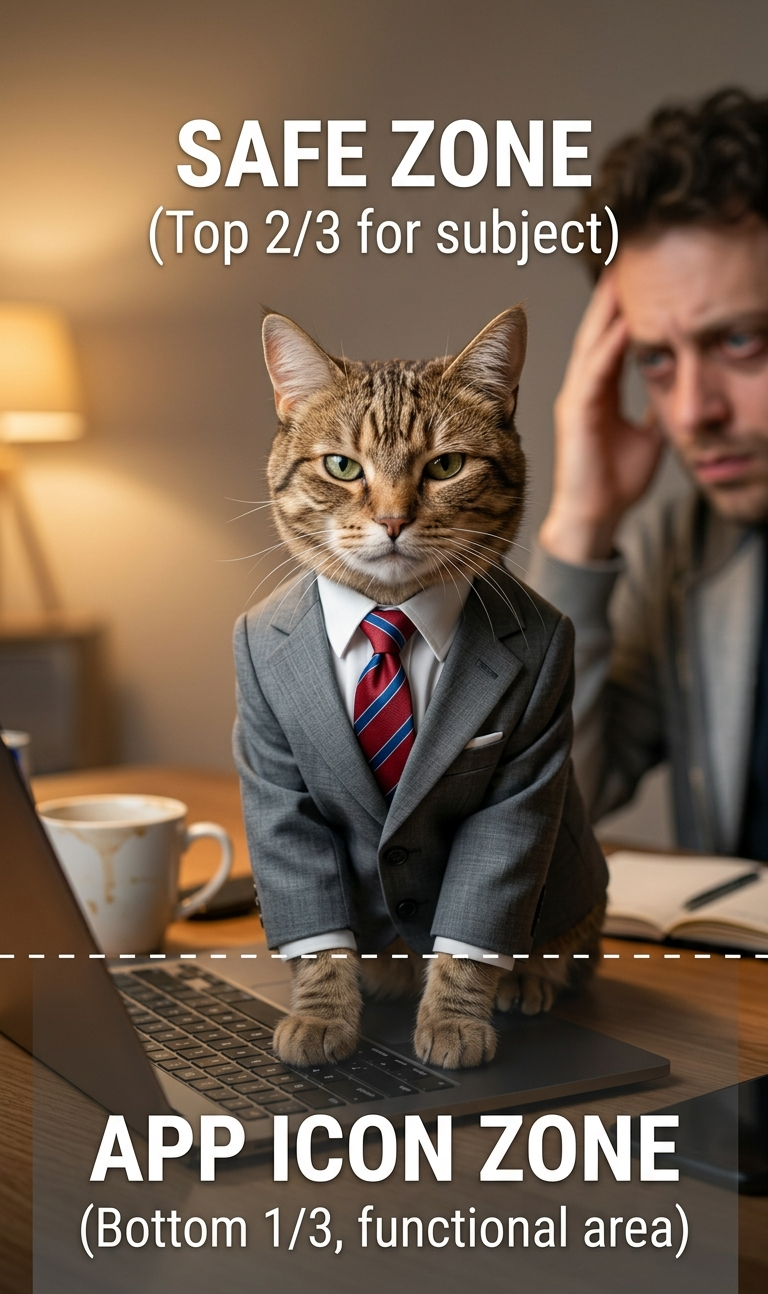
- Centered or upper-centered subject — On mobile, the bottom third of your screen is covered by app icons.
- Mood over chaos — The funniest wallpapers are a single absurd moment treated seriously.
- Color palette that works with your icons — Dark or moody backgrounds make light icons pop.
The Wallpaper Prompt Formula
Use this structure for every prompt:
[Subject] + [Absurd Situation] + [Emotional Tone] + [Visual Style] + [Technical Quality]
The key difference from general AI prompts: add wallpaper-specific framing at the end, things like "minimalist background," "centered composition," "negative space at bottom," and your target resolution.
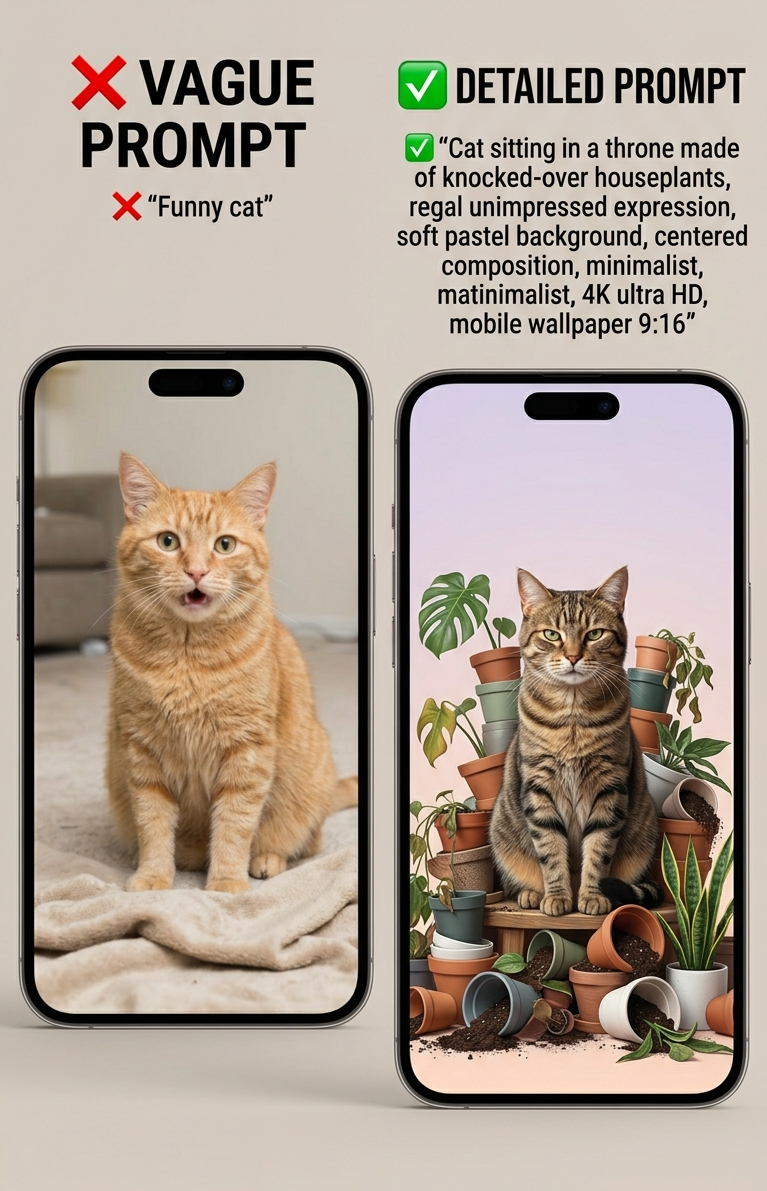
❌ "Funny cat"
✅ "Cat sitting in a throne made of knocked-over houseplants, regal unimpressed expression, soft pastel background, centered composition, minimalist, 4K ultra HD, mobile wallpaper 9:16"
15 Funny AI Wallpaper Prompts (Ready to Use)
For Your Phone
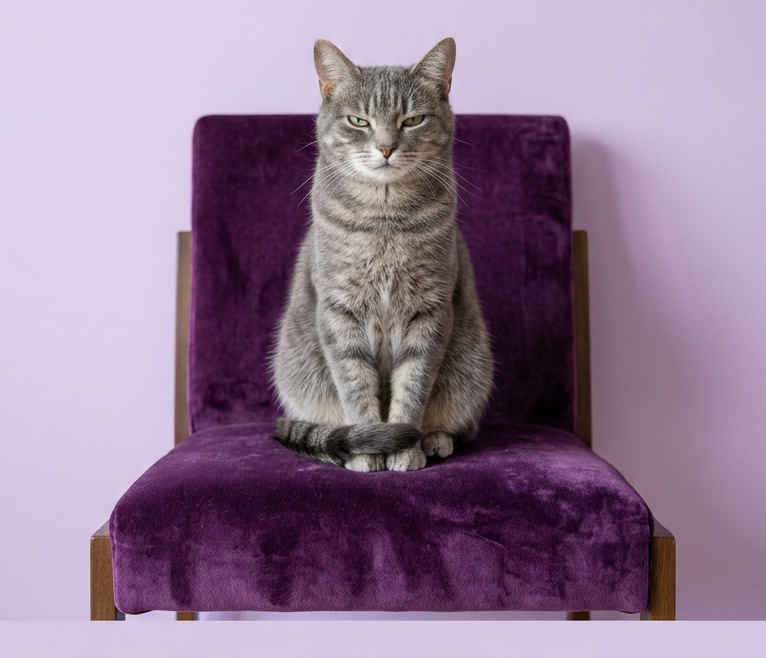
Minimalist cat judging humans from a velvet throne, pastel lilac background, unimpressed expression, centered composition, negative space at bottom, ultra HD, 9:16
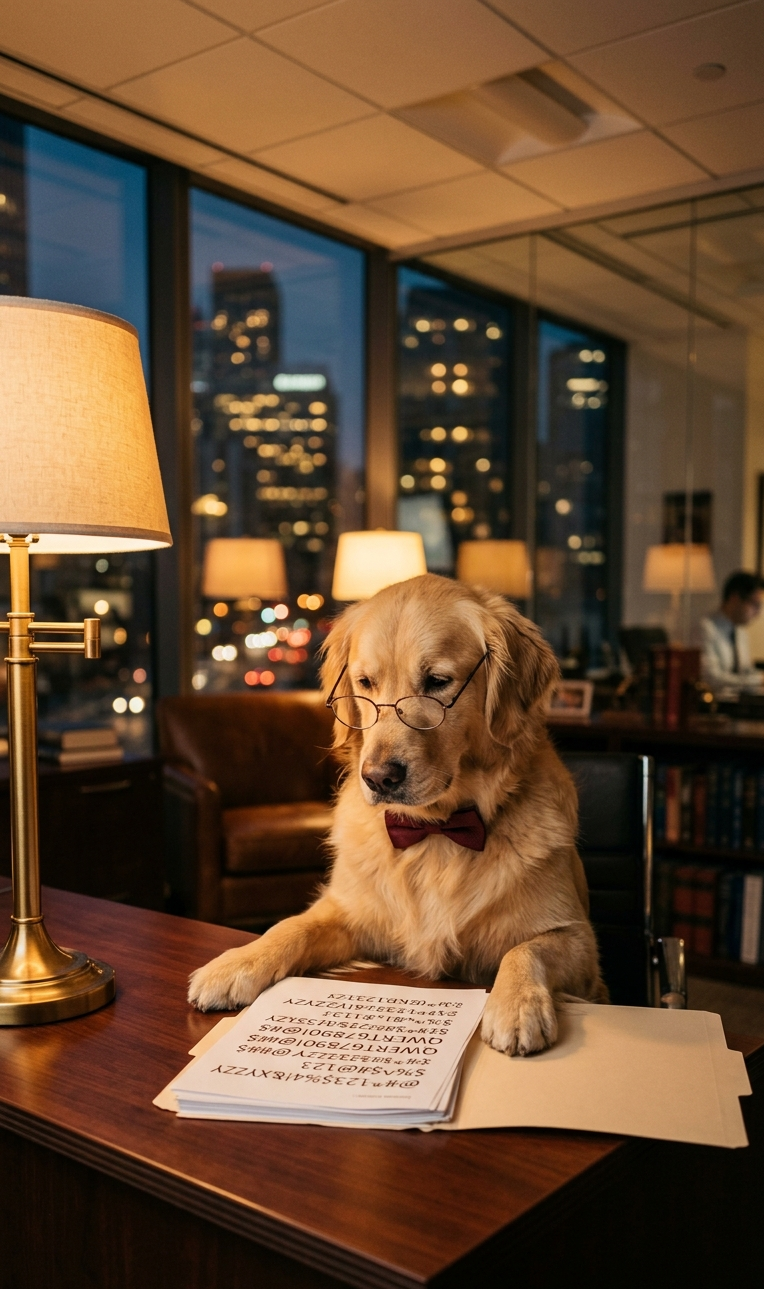
Dog in a luxury corner office pretending to read financial reports, unaware the numbers are gibberish, warm amber lighting, soft bokeh background, portrait orientation, 4K
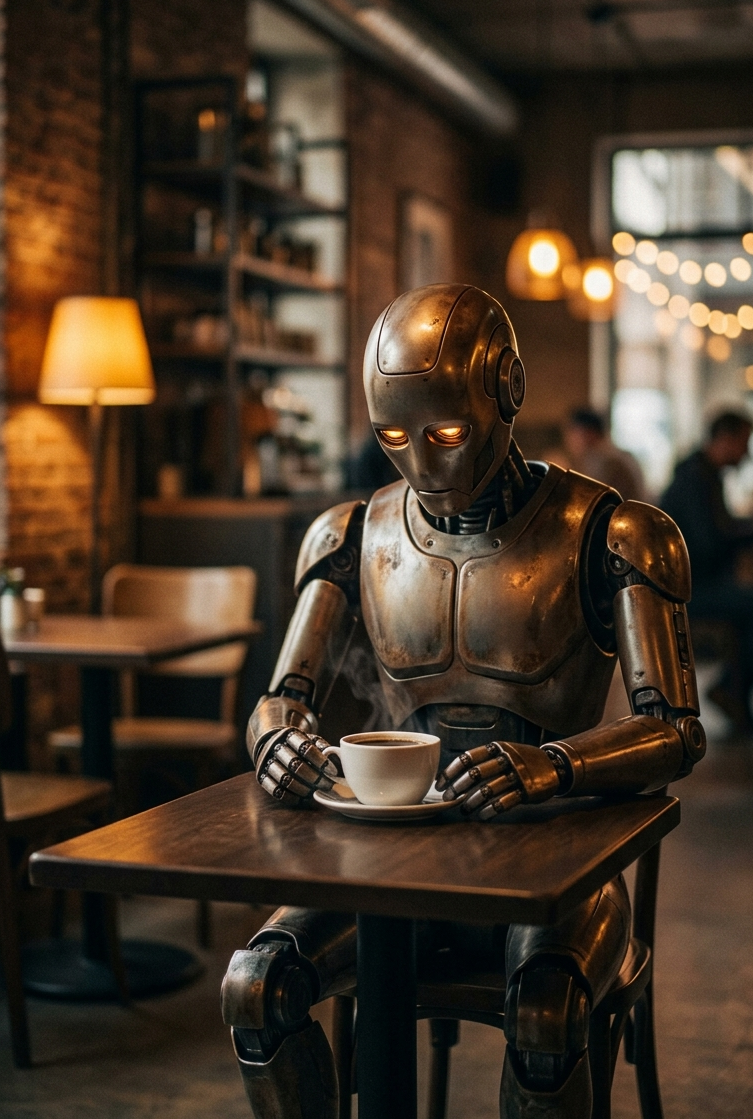
Robot sitting alone in a café staring at a cup of coffee it cannot drink, existential expression, moody cinematic lighting, centered, minimal background, 9:16
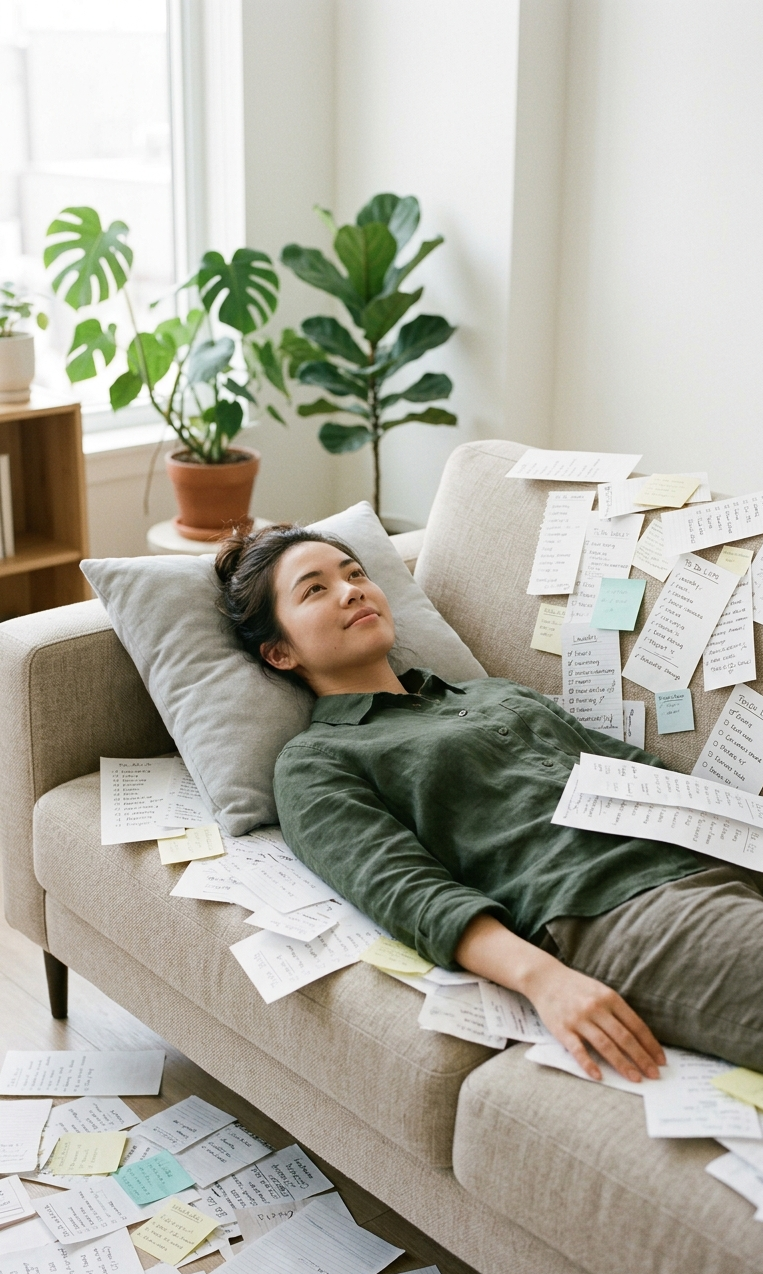
Person lying completely still on a couch, eyes open, surrounded by a gentle avalanche of ignored to-do lists, calm serene expression, soft daylight, minimalist, phone wallpaper format
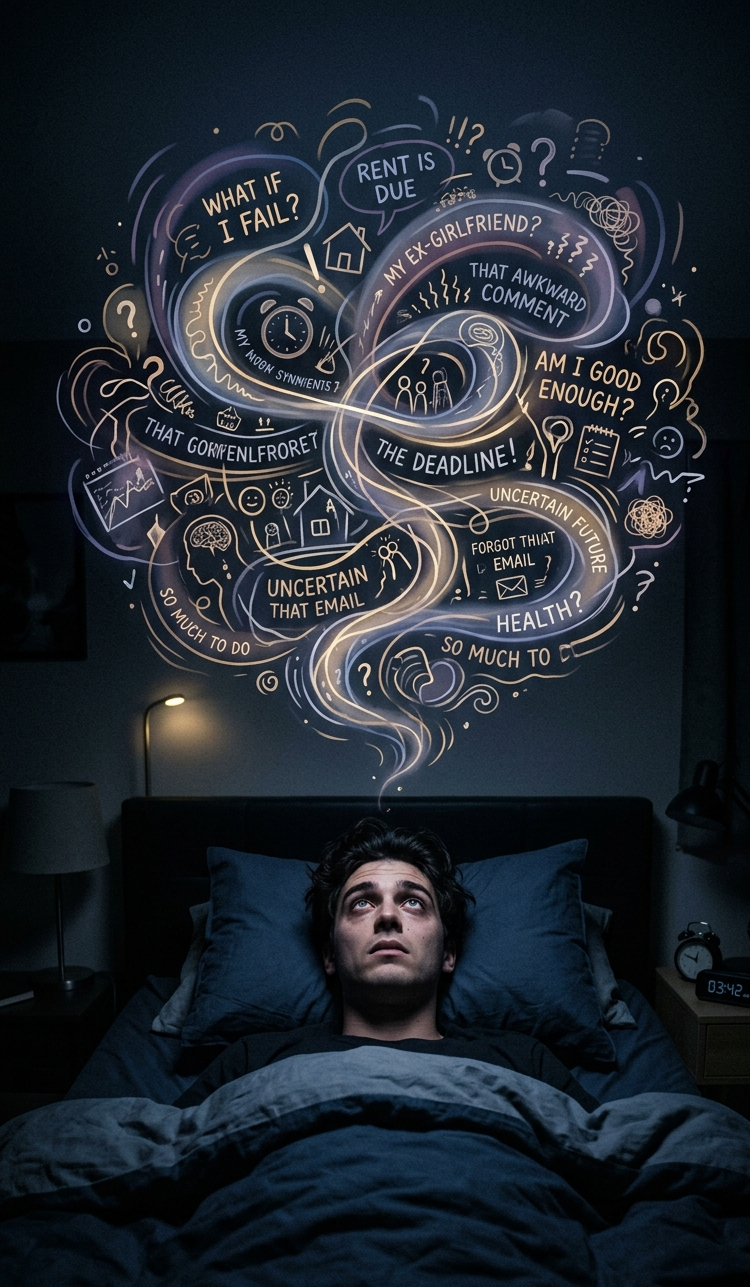
Late-night overthinking scene — person staring at ceiling, abstract swirl of random worries floating above them in soft illustrated style, dark moody tones, centered, 9:16
Cat sitting on a laptop keyboard with complete authority, owner's frustrated face barely visible in background, deadpan comedy, warm home lighting, vertical format, ultra HD
Student buried under textbooks with only their hand visible giving a thumbs up, dramatic survival-movie lighting, portrait format, cinematic 4K
For Your Desktop
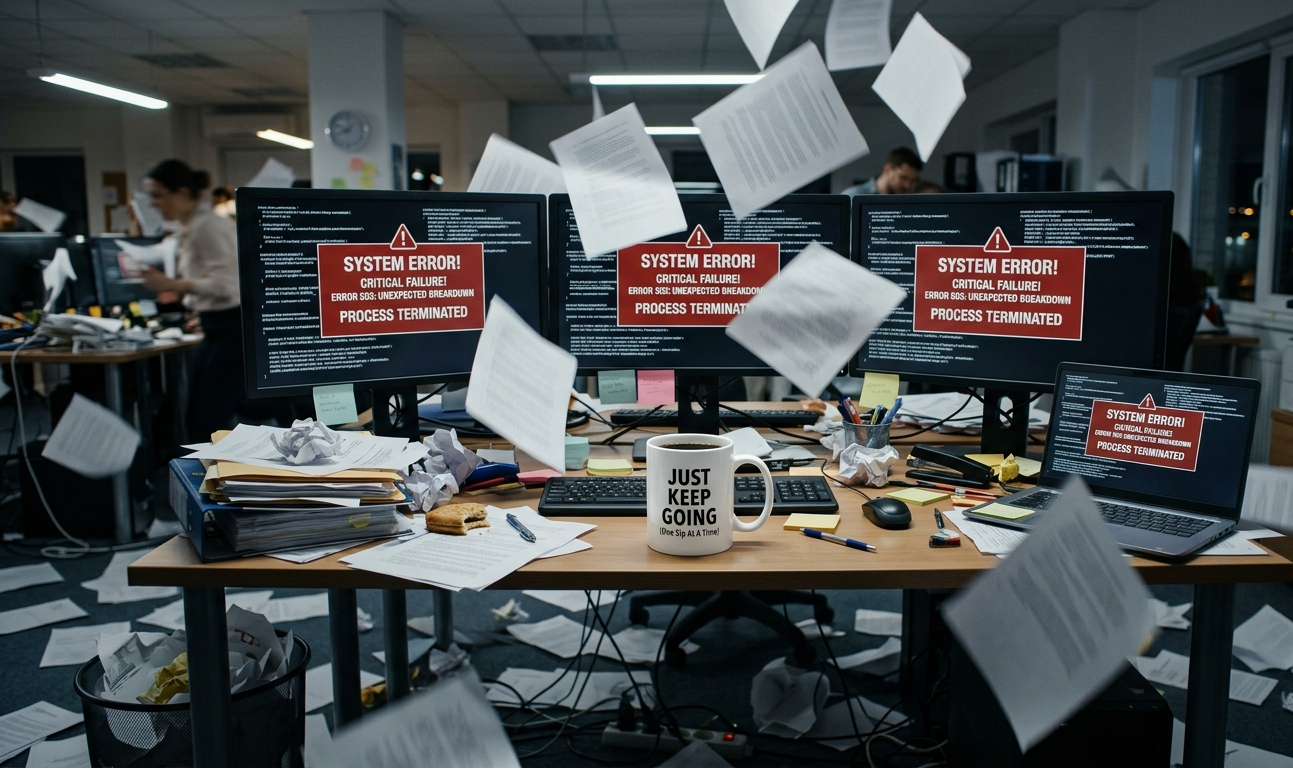
Office desk in full cinematic chaos — papers flying, three monitors showing error screens, a single motivational mug perfectly intact in the center, wide angle, ultra-realistic, 16:9, 4K
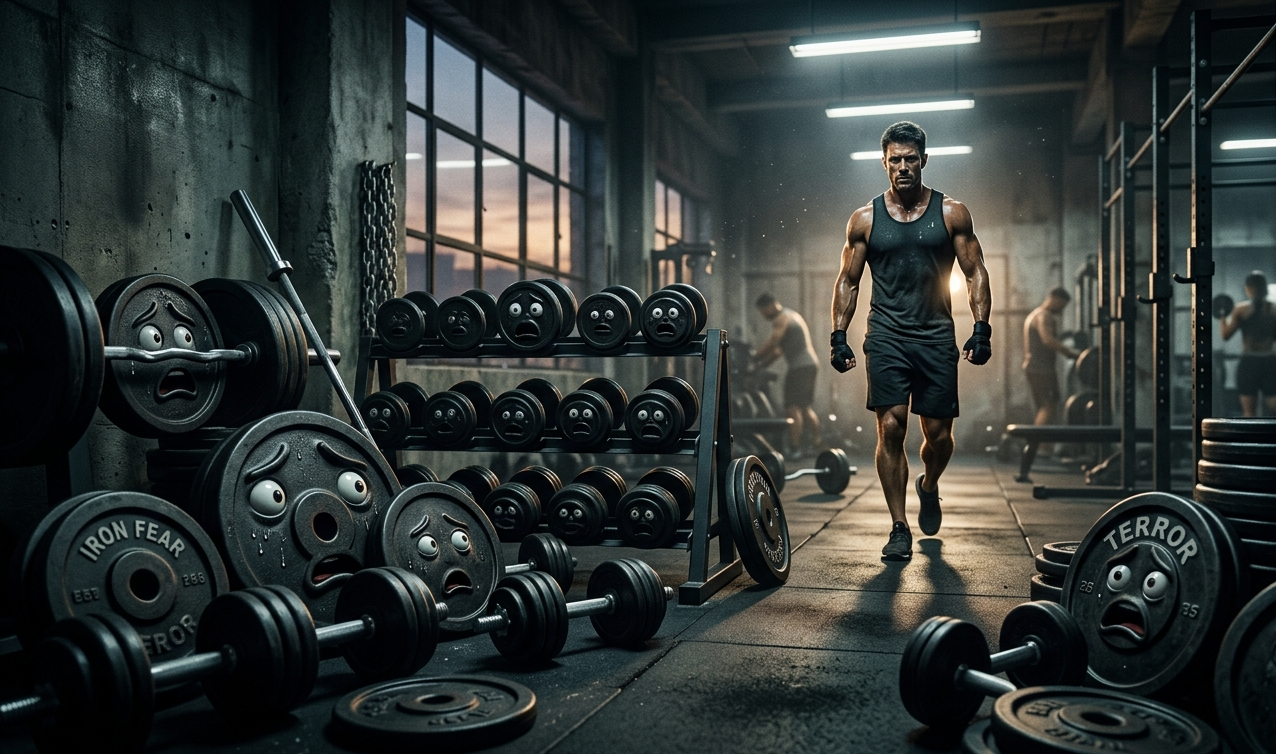
Gym weights visibly terrified as a determined human walks toward them, dramatic action-movie wide shot, moody gym lighting, 16:9
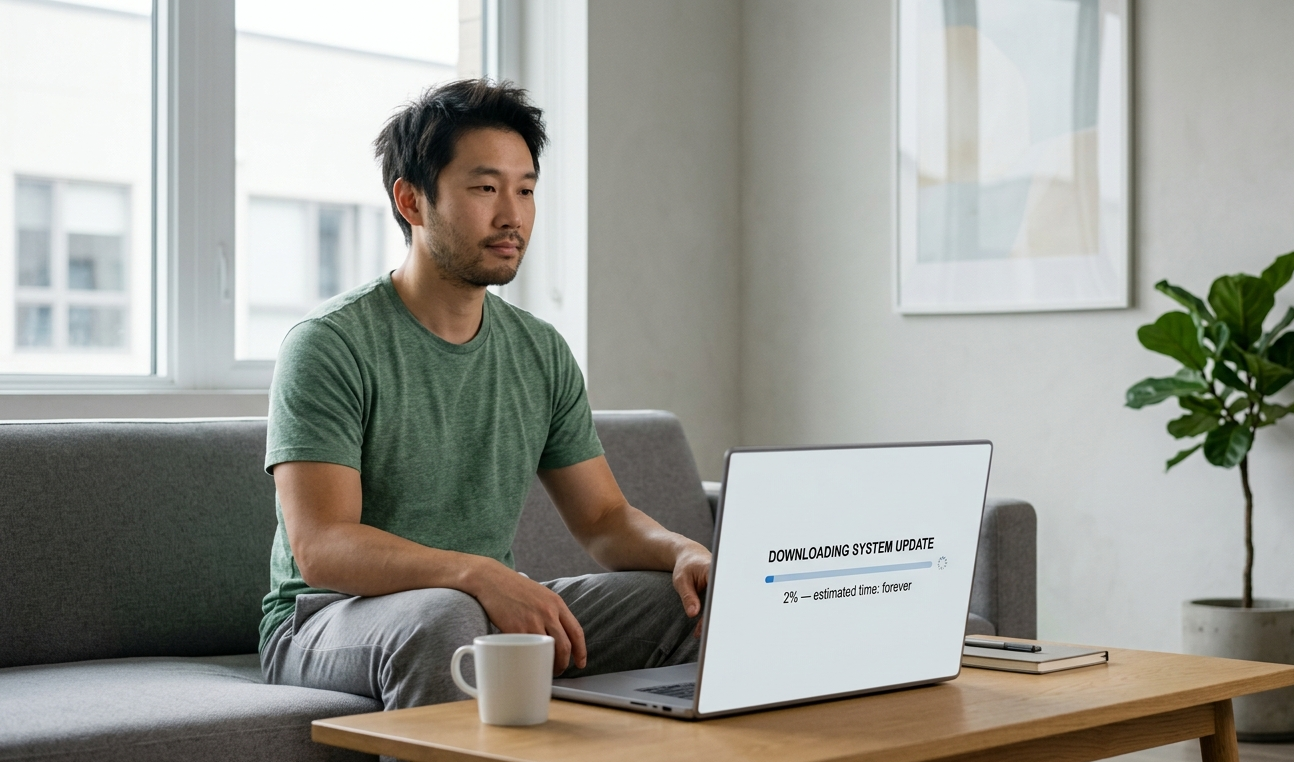
Man staring at a loading bar that reads "2% — estimated time: forever," existential calm on his face, minimalist clean background, subtle humor, 16:9 ultra HD
Person at a peaceful desk, cup of tea, birds outside the window — while behind them, the rest of the room is gently on fire and they're completely unbothered, warm tones, 16:9
Dog sitting in an office chair, judging a presentation on a large monitor, all other chairs empty, boardroom setting, photorealistic, wide format, 4K
Dual-Use (Works on Both)
Messy creative workspace treated like an archaeological dig site, tiny explorer figure examining a pile of sticky notes, top-down view, illustrated style, square-safe composition
Person sleeping peacefully while three alarm clocks scream around them, warm cozy bedroom lighting, soft illustrated style — adjust crop for mobile or desktop
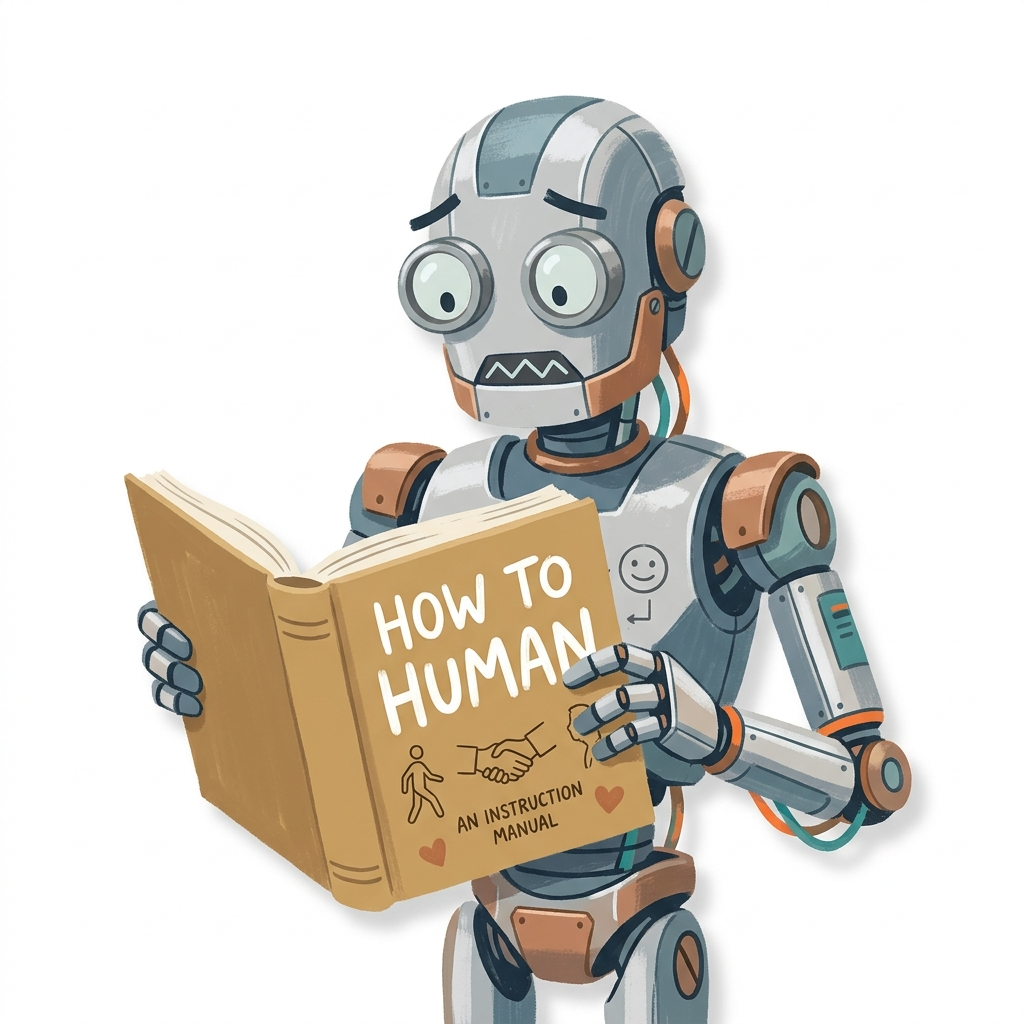
Robot holding a "How to Human" instruction manual with a confused expression, clean white background, centered, works at any aspect ratio, editorial illustration style
Technical Settings for Wallpaper Quality
These additions at the end of any prompt will push the output toward wallpaper-usable quality:
- Resolution: "4K", "ultra HD", "8K resolution" — use at least one.
- Aspect ratio: "9:16 portrait" for phone, "16:9 landscape" for desktop, "1:1" for tablets or dual use.
- Composition: "centered subject", "negative space at bottom third", "minimalist background" — critical for phone wallpapers.
- Sharpness: "sharp details", "crisp textures", "high definition" help with soft output.
And as a negative prompt, always include: blurry, low resolution, cluttered background, extra objects, watermark, text overlay.
Matching Your Wallpaper to Your Vibe
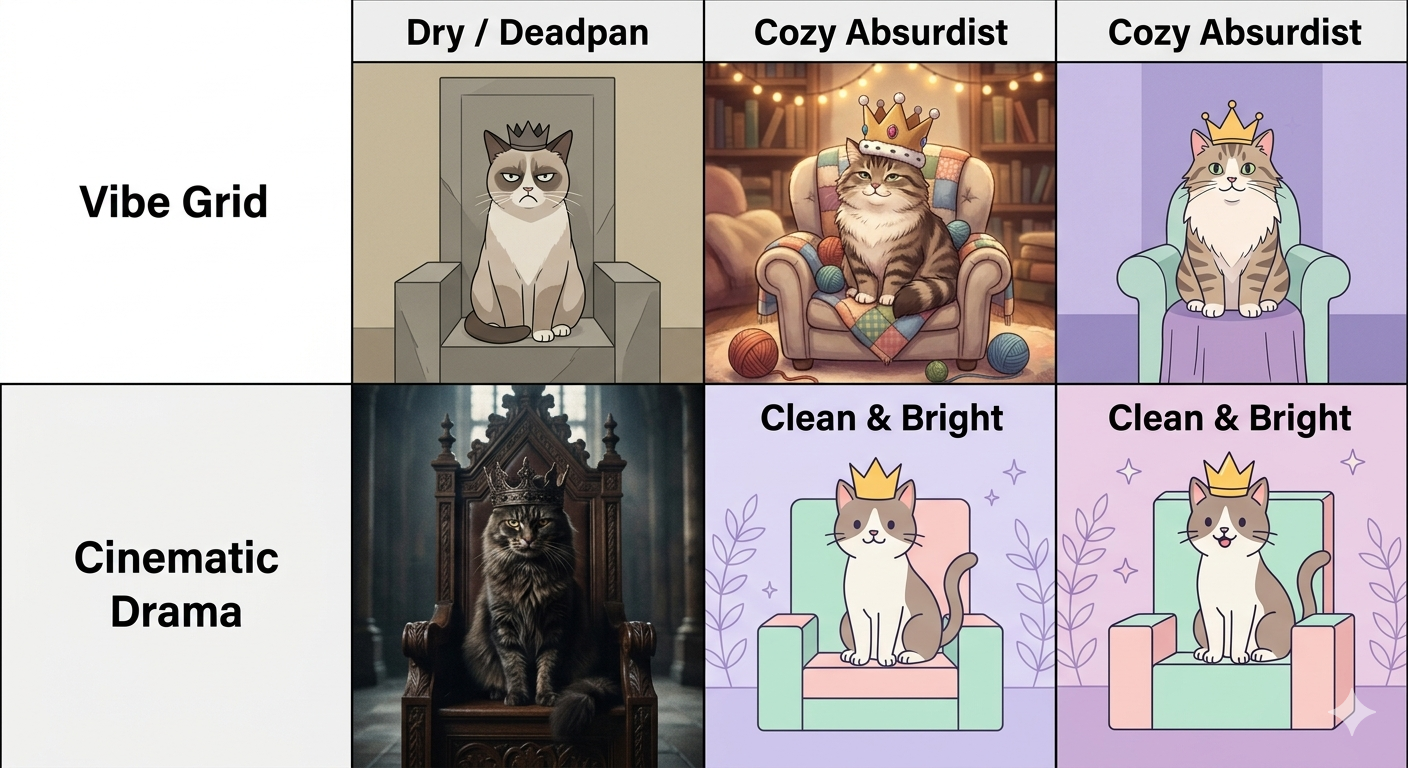
- Dry / deadpan — minimalist background, muted colors, subject treated with unearned seriousness.
- Cozy absurdist — warm lighting, soft textures, illustrated or painterly style.
- Cinematic drama — moody lighting, film grain, dramatic shadows.
- Clean & bright — flat design, pastel palette, simple linework.
Mistakes That Ruin Wallpapers
- Too many elements — A wallpaper isn't a scene you study; it's something you glance at 50 times a day.
- Ignoring aspect ratio — Specify the ratio in your prompt every time.
- Text in the image — Add "no text, no words, no labels" to your negative prompt.
- Subject too low in frame — On mobile, the bottom dock covers the lower quarter of the image.
Explore More
About the Author
David is an AI artist and digital content strategist specializing in viral visual content. With hands-on experience across Midjourney, DALL-E, and Adobe Firefly, they help creators and brands build wallpapers, memes, and shareable content using generative AI tools.
Make It Yours
The prompts above are starting points. Swap in your own pet, your actual job, your real Monday morning situation, the more specific it is to your life, the funnier it'll be every time you see it. That's the whole point.